你可以阅读文档 xiaozhi-client.shenjingnan.com 快速上手!
前置条件:请先完成 Node.js >=22(推荐 24)与 pnpm 的安装
# 安装
pnpm install -g xiaozhi-client

# 创建应用
xiaozhi create my-app

# 进入应用目录
cd my-app

# 安装依赖
pnpm install

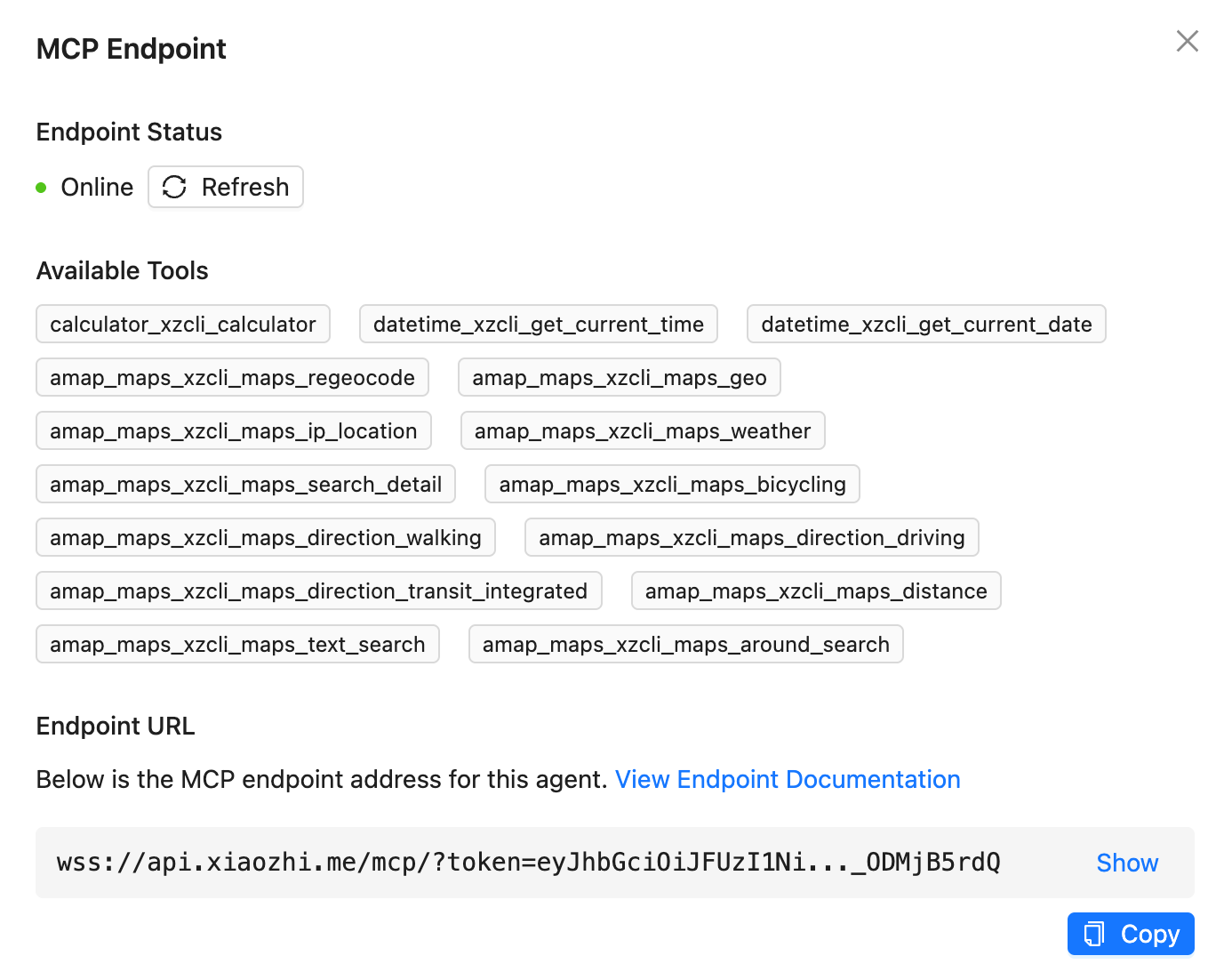
# 小智AI配置MCP接入点的 [使用说明](https://ccnphfhqs21z.feishu.cn/wiki/HiPEwZ37XiitnwktX13cEM5KnSb)
xiaozhi config set mcpEndpoint "<从小智服务端获取到的接入点地址>"

# 启动服务
xiaozhi start

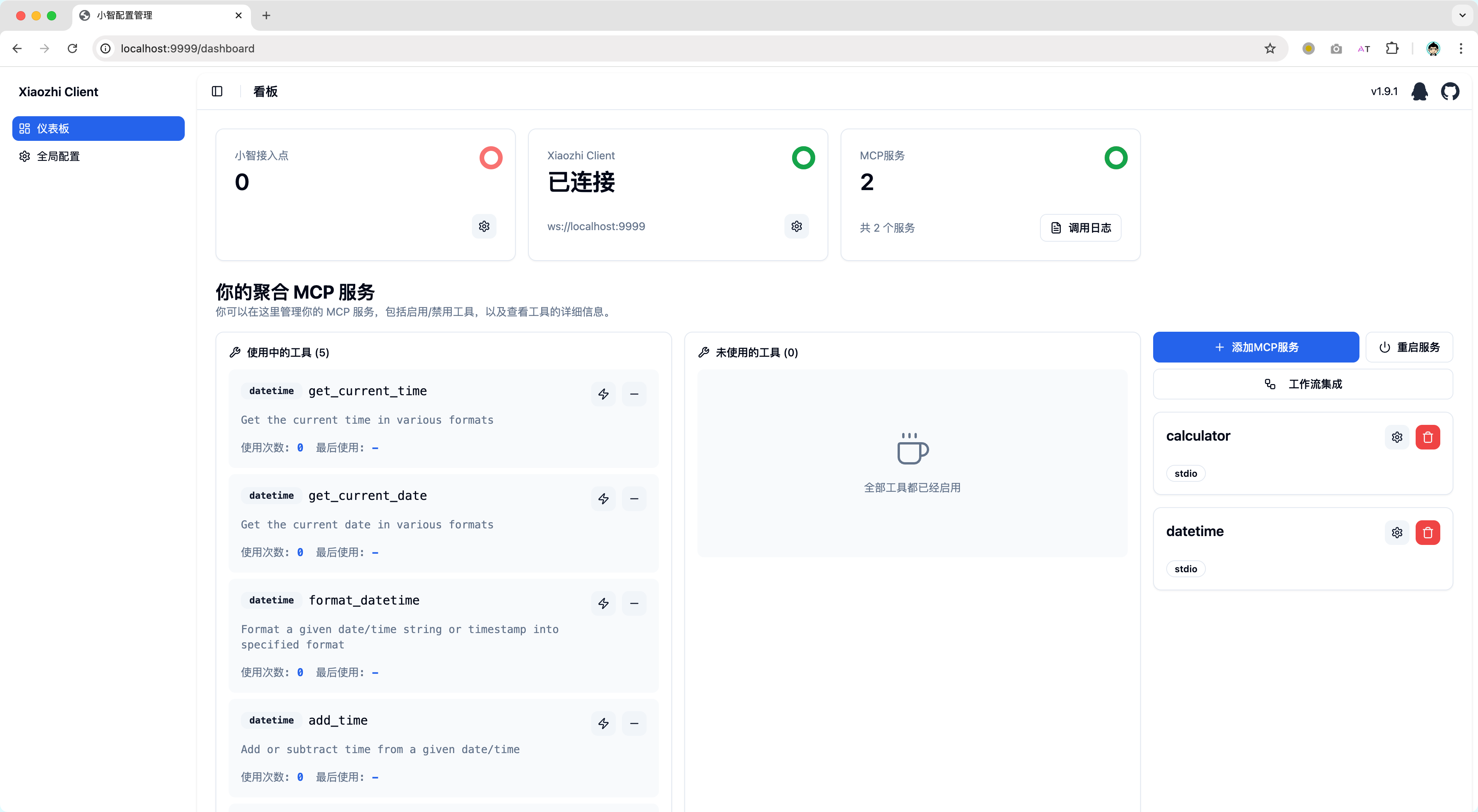
# 浏览器打开 http://localhost:9999 如果你使用的是NAS部署请使用 http://<部署设备的IP地址>:9999
我们提供了预配置的 Docker 镜像,可以快速启动 xiaozhi-client 环境。
curl -fsSL https://raw.githubusercontent.com/shenjingnan/xiaozhi-client/main/docker/scripts/start.sh | bash
无法访问
Github可以使用Gitee替代
curl -fsSL https://gitee.com/shenjingnan/xiaozhi-client/raw/main/docker/scripts/start.sh | bash
获取 docker-compose.yml 文件:
curl -O https://raw.githubusercontent.com/shenjingnan/xiaozhi-client/main/docker/docker-compose.yml
无法访问
Github可以使用Gitee替代
curl -O https://gitee.com/shenjingnan/xiaozhi-client/raw/main/docker/docker-compose.yml
# 使用 Docker Compose 启动
docker-compose up -d

# 查看日志
docker-compose logs -f

# 停止服务
docker-compose down